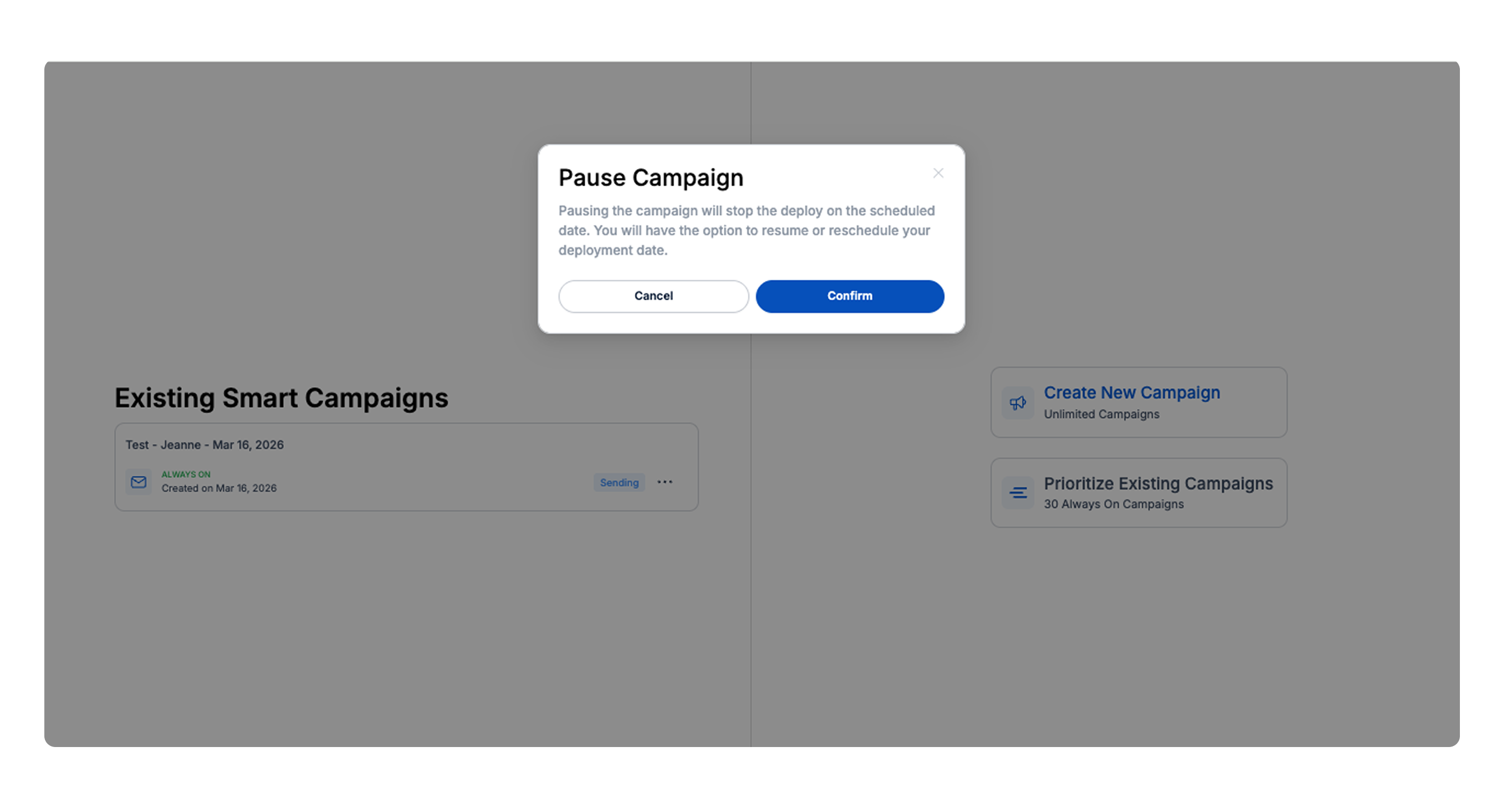
Always-On Smart Campaigns run continuously based on the conditions defined in a Smart Segment. You can pause the campaign temporarily or cancel it permanently depending on your needs.
Steps to Pause or Cancel an Always-On Smart Campaign
Navigate to Smart Segments in Drive AI.
Locate the segment used for your Smart Campaign.
Click on the segment name to open it.
On the left side of the page, find the Existing Smart Campaigns section.
Click the three dots (⋯) next to the campaign you want to stop.
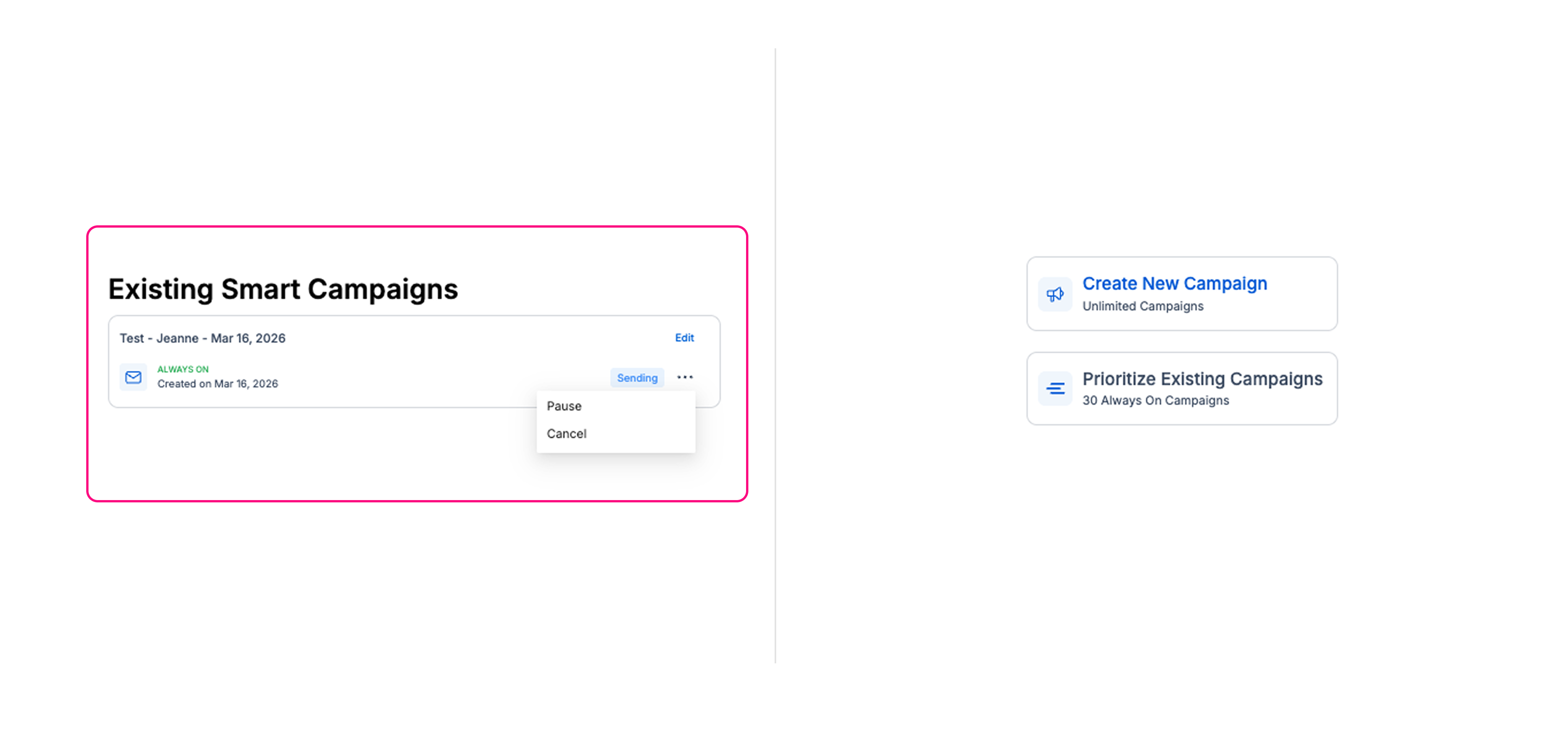
You will see two options:
Pause – temporarily stops the campaign. You can resume it later.
Cancel – permanently stops and removes the campaign. This action cannot be undone.