

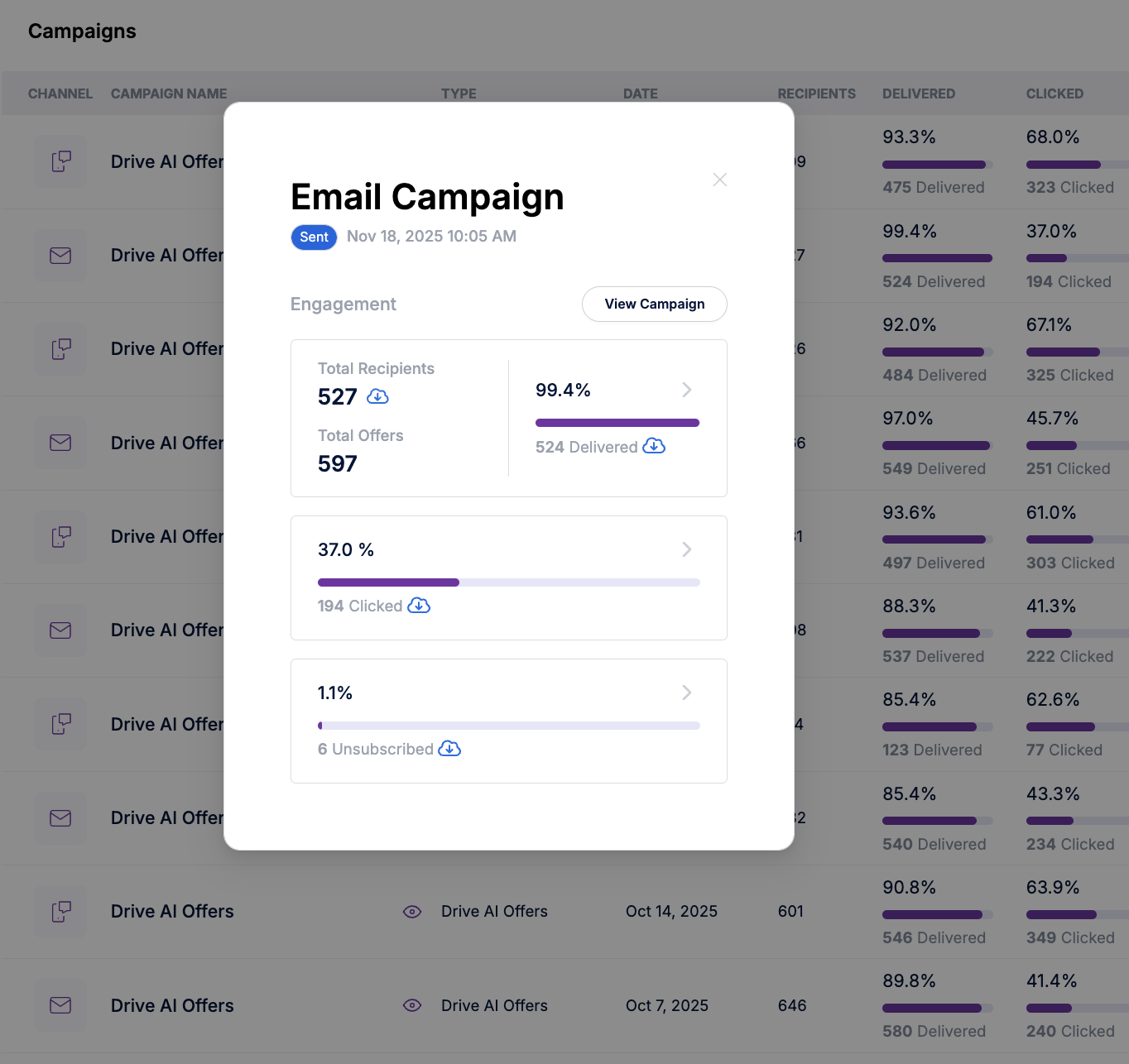
To help you better understand and follow up with customers who were part of your campaigns, Drive AI now includes a Download option across all campaign metrics.
You can now download a CSV list of customers from:
Drive AI Offers
Smart Campaigns
Admin Campaigns
Previously, only the list of customers who unsubscribed could be downloaded. With this enhancement, you now have broader visibility into all customers included in any campaign, making reporting, follow-up, and internal tracking much easier.
How It Helps
Quickly access the full list of customers targeted by a campaign
Easily share data with your team
Improve visibility into campaign reach and engagement
Note:
You can currently download customer lists per individual metric. Downloading all metrics in a single file is not available yet but is being considered for a future update.
Note
Currently, you can export customer lists from individual metrics, but there’s no way yet to download all customer lists across metrics in one file. This capability is being considered for a future update.