

Drive AI’s new Stale Vehicle feature helps prevent this by identifying vehicles that may no longer be actively owned. Now your campaigns reach the right customers with the most relevant offers.
How Stale Vehicle Works
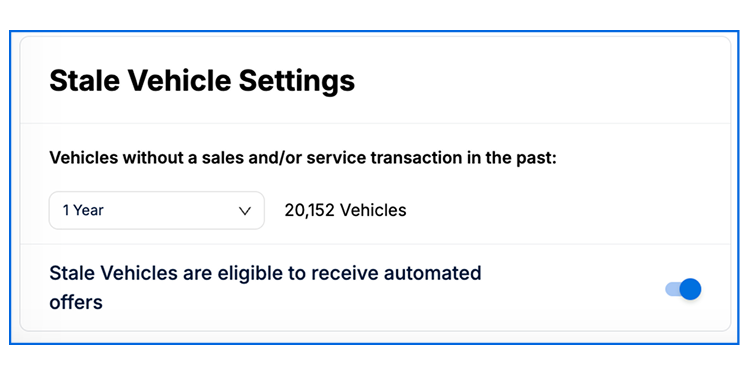
A vehicle is marked stale if it hasn’t had a sales and/or service transaction within the timeframe you set (1–10 years).
Future service appointments? The vehicle is not considered stale.
Serviced again? The stale flag is automatically removed.
This keeps you informed about which vehicles are actively engaged and which may no longer be relevant for automated campaigns.
Stale Vehicle Settings & What Happens to Offers
Dealers have full control over how stale vehicles are handled and how offers are managed:
ON: Offers for stale vehicles are still created automatically but flagged as Stale in the platform.
OFF: Offers for stale vehicles do not get sent automatically. Instead, they appear under Needs Review, giving you the choice to send them manually.
You’ll also see the number of vehicles impacted before saving your settings, helping you make informed decisions for your dealership.
Where You’ll See the Impact
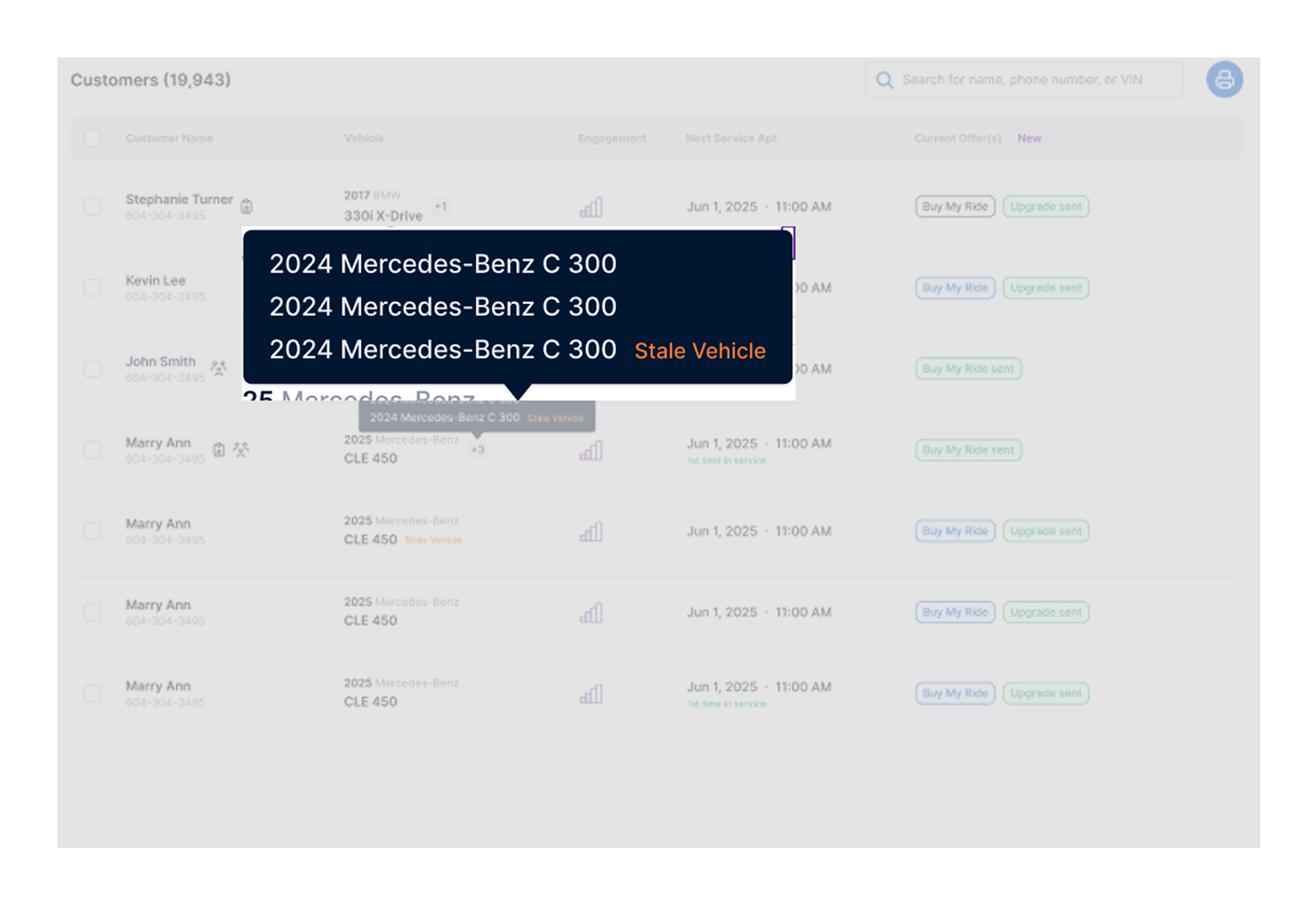
Customer List Page: Vehicles that meet the stale criteria display a Stale Vehicle indicator next to the details, so your team can quickly identify them.
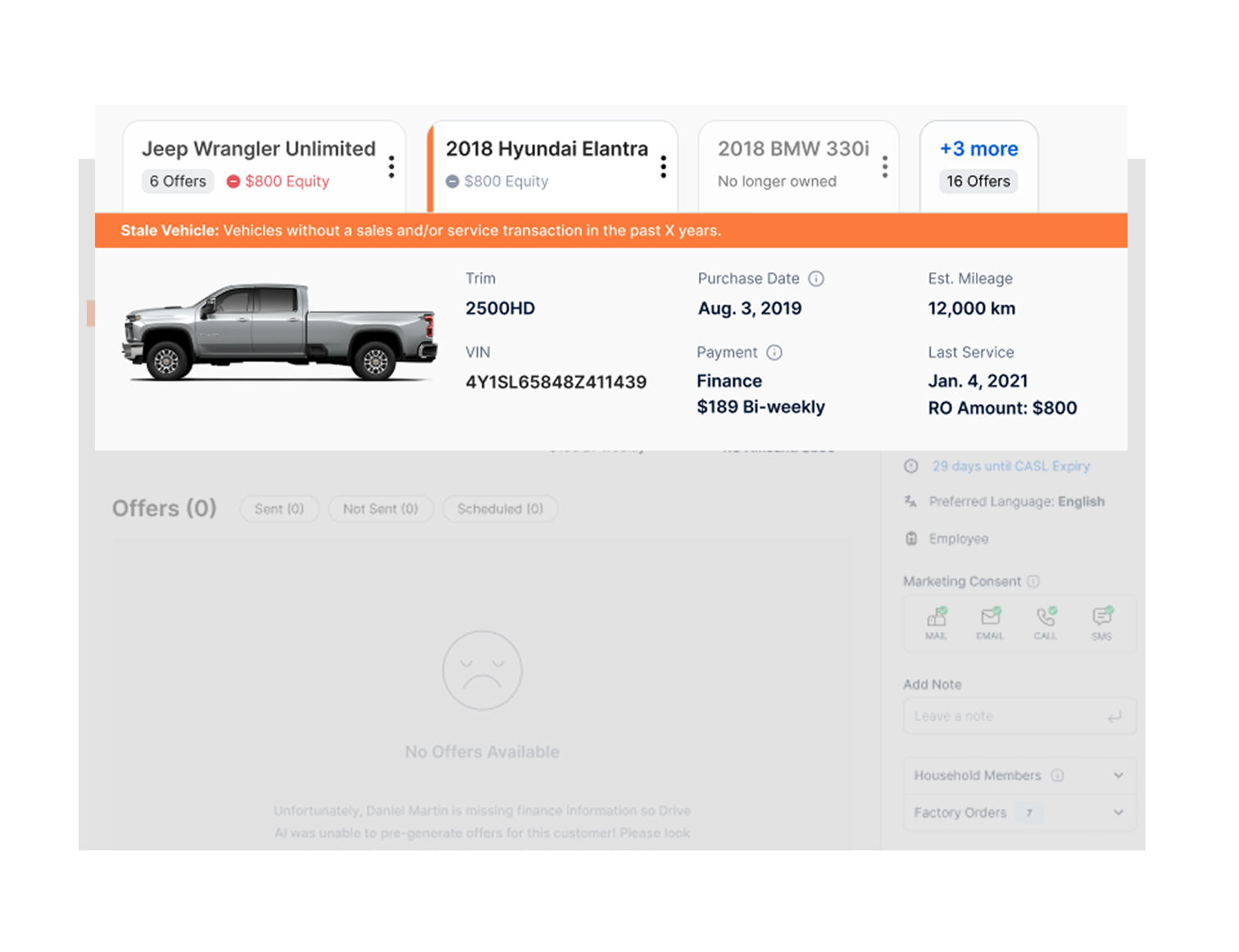
Customer Details Page: Individual vehicle profiles show a flag and short description explaining why the vehicle is considered stale.
Rollout Notes
By default, all dealers will flag vehicles with 5 years of no sales or service activity as stale. This timeframe can be adjusted at any time by your CSM.
Offer behavior doesn’t change: Stale vehicles will still receive automated offers unless the stale setting is turned off.
Turning it off: If you prefer, your CSM can switch off the stale vehicle setting. Offers for stale vehicles will then appear under Needs Review, allowing you to decide whether to send them manually.
With the Stale Vehicle feature, you can reduce irrelevant communications, protect your dealership’s reputation, and ensure your campaigns connect with the right customers at the right time.