

Step-by-Step Guide
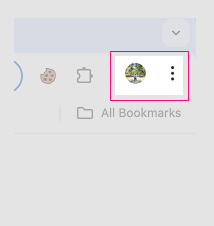
1. Click the three dots (⋮) in the top-right corner of your Chrome browser.
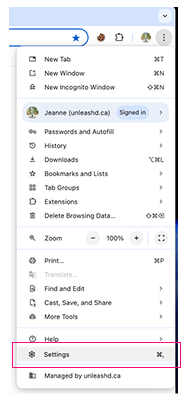
2. Select Settings from the dropdown menu.
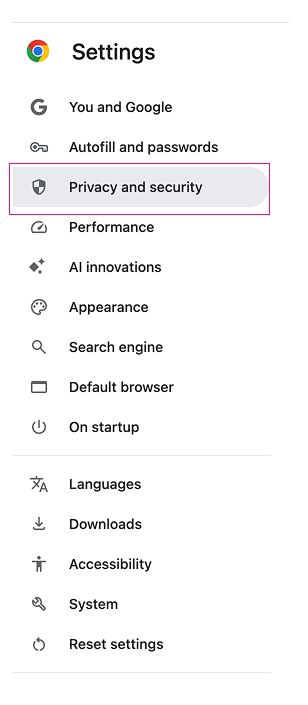
3. In the left-hand menu, click Privacy and security.
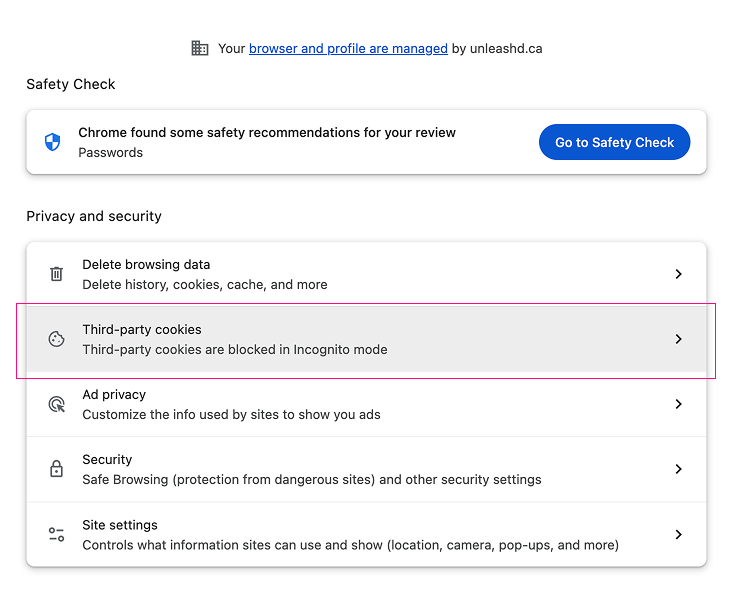
 4. Click on Third-party cookies to open cookie settings.
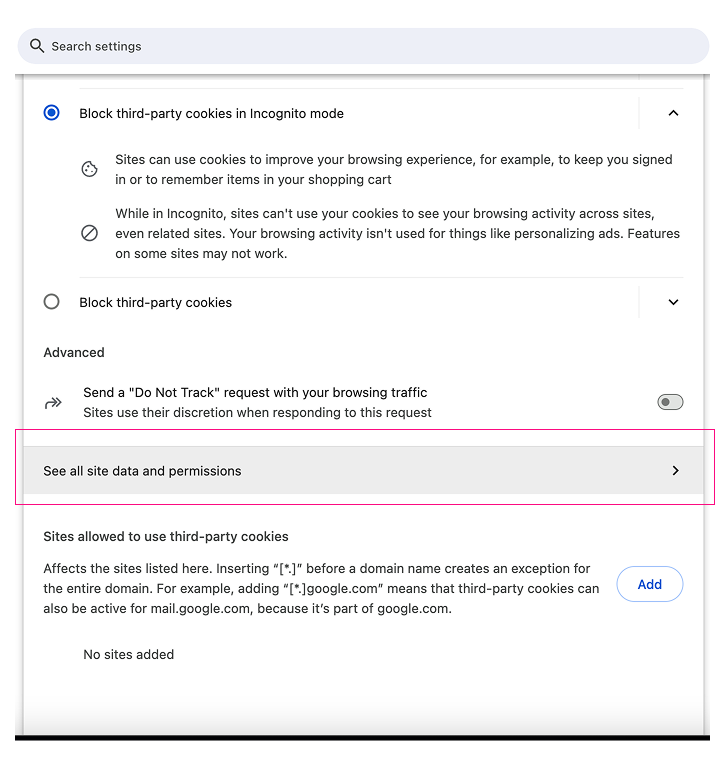
 5. Scroll down and click See all site data and permissions.
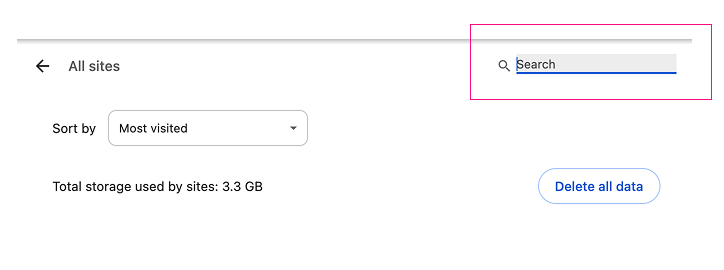
 6. Use the search bar to look for “unleashd” or “drive”.
 7. Next to each result, click the trash icon to delete all cookies associated with these sites.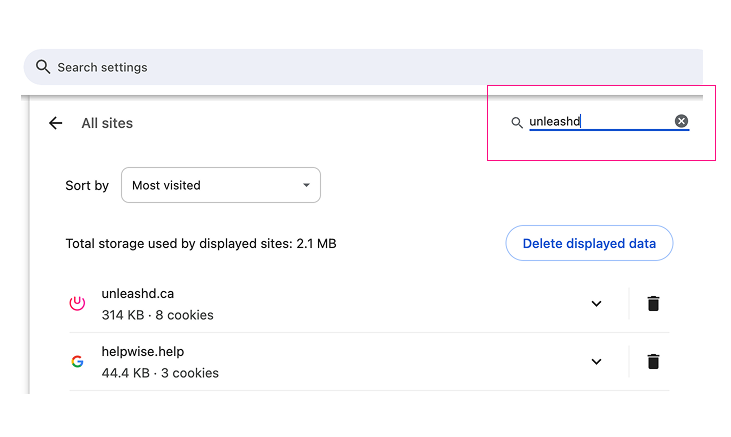
Additional Tips
- After clearing the cookies, refresh your browser and try logging in again.
- If the issue persists, try using an incognito window or clearing your browser cache entirely.
- Ensure your browser is updated to the latest version.
If you continue to experience problems after following these steps, please reach out to our support team at support@unleashd.ca for further assistance.